How to Split a Long Lecture into Study Blocks
Turn a six-hour lecture into realistic study sessions using playback speed, topic boundaries, breaks, recall, and a work
Playback SpeedRead guide
Compare YouTube Music and YouTube playlist duration, link formats, unavailable items, and practical ways to calculate the time you need.
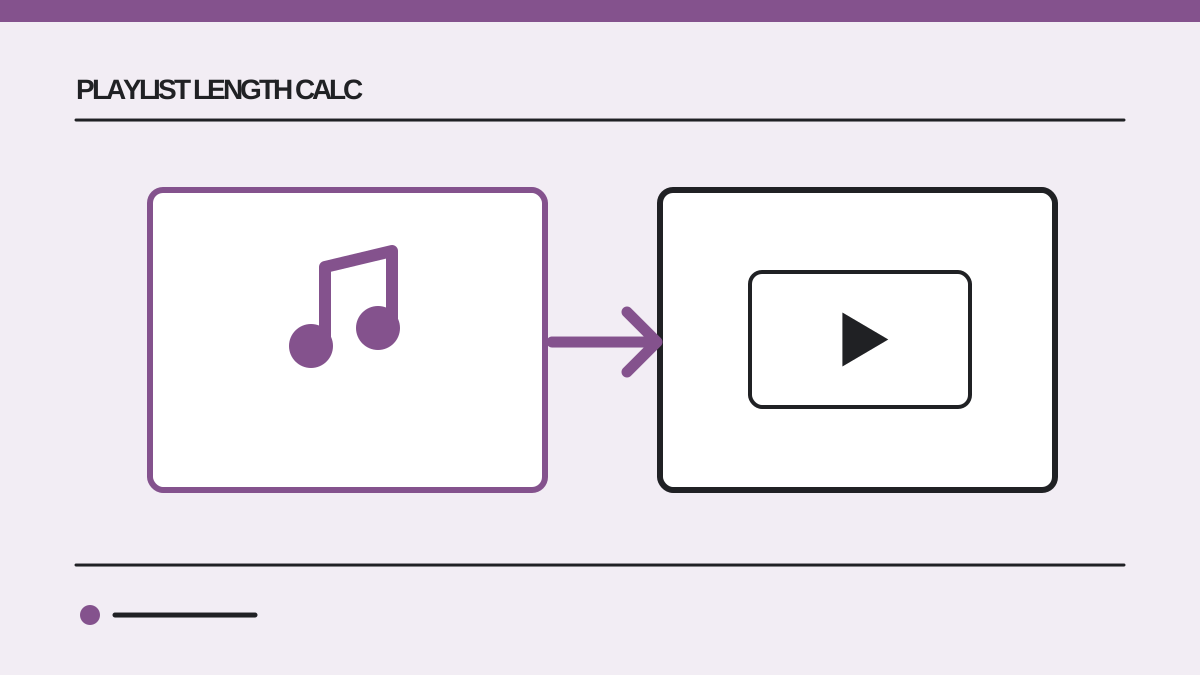
A playlist from YouTube Music and a playlist from YouTube can both have a list= identifier in their URLs, but they are not always experienced in the same way. YouTube Music centers songs, albums and music videos. YouTube playlists can mix lectures, tutorials, Shorts, music videos and other video types. When you ask how long a playlist is, the answer depends on which items are visible and playable from the link you provide.
The safest workflow is to copy the playlist link from the product where you are viewing it, calculate its readable items, and compare the result with the list you can actually play. A count of tracks or videos does not establish a duration. This guide explains the difference between the two services, why totals can disagree, and how to build a useful listening or viewing plan.
Two playlists can share a title and contain different items. Check the domain and the playlist ID rather than assuming the title identifies a fixed collection. A YouTube playlist link often starts with youtube.com/playlist?list=, while a YouTube Music playlist often starts with music.youtube.com/playlist?list=. A video URL with watch?v=...&list=... also includes a playlist ID. The list= value tells a calculator which collection to inspect.
| Link you copied | What it usually points to | Where to start |
|---|---|---|
youtube.com/playlist?list=... | A YouTube playlist page | YouTube playlist calculator |
youtube.com/watch?v=...&list=... | A video inside a playlist | Check that the list= value is present |
music.youtube.com/playlist?list=... | A YouTube Music playlist page | YouTube Music playlist calculator |
youtube.com/watch?v=... | One video without a playlist ID | Use the single video's displayed duration |
| A search-results URL | Search results, not a fixed playlist | Open the actual playlist before copying |
A link can be shortened or contain extra tracking parameters. The important question is whether it resolves to a specific playlist and whether that playlist's items are accessible. If you are comparing two results, save both original links so you can inspect the exact collection that produced each total.
YouTube Music and YouTube are connected, but their interfaces focus on different kinds of content. Google's YouTube Music playlist help explains that playlists can appear in both apps and that music-specific views may show a different subset when a playlist was created in YouTube. Therefore, do not assume that a collection looks identical in both interfaces merely because a playlist ID or title matches.
The difference matters when a list contains both music videos and ordinary videos. Suppose a YouTube playlist has five music videos of four minutes each and three tutorials of ten minutes each. The full eight-item list is 50 minutes. If a music-focused view presents only the five music items, the visible listening queue is 20 minutes. Neither total is inherently a calculation error; they answer different questions about different visible items.
The example is illustrative. Actual visibility depends on the playlist and the service's current behavior. If the numbers differ, compare the item lists rather than guessing from the title. Check whether a live version, lyric video, audio track or unavailable entry appears in one view and not the other.
For both services, add the durations of the available items. If the collection has four tracks lasting 3:45, 4:10, 2:55 and 5:20, the total is 16 minutes 10 seconds. You can verify that by converting each track to seconds: 225 + 250 + 175 + 320 = 970 seconds, or 16:10.
If playback speed applies to the content and you want a speed-adjusted estimate, divide the total by the chosen speed. That 16:10 collection at 1.25x would take 12 minutes 56 seconds of uninterrupted playback. For a music playlist, however, many listeners use normal speed. The more important planning question is usually which versions of the songs are in the queue and whether the queue can change.
For a long YouTube Music playlist, use the YouTube Music playlist length calculator. For a general video playlist, use the YouTube playlist length calculator. The tools help gather and sum durations; they cannot make private or region-blocked items public.
Start by comparing item counts. A 30-track result for a 32-track list suggests two items were not readable. A 12-video result for a page that currently shows only ten entries may mean you are viewing a dynamic or changing collection, or that the source page and calculator were checked at different times. Use the list of items you can play now as the practical reference.
Unavailable entries are a common source of disagreement. A video can be private, deleted, restricted by region, or unavailable in the current service. A duration can also be hidden or fail to load temporarily. A calculator should not invent duration for an unavailable item; doing so would make the total look precise while being unsupported. Note the missing item count and treat the result as the sum of readable items.
Versions of a song also matter. A three-minute studio recording, a five-minute live performance, and a seven-minute extended mix are different durations even if the song title is almost the same. If you are planning a workout or event, check the actual playlist entries rather than estimating from familiar song lengths.
Imagine a 24-track YouTube Music playlist with an average readable track length of 3 minutes 40 seconds. Multiplying 24 by 3:40 gives an initial estimate of 88 minutes. But that is only an average-based guess. If three tracks are extended versions lasting seven minutes instead of 3:40, add about ten minutes. If two tracks are unavailable, subtract their actual lengths only if you know them; otherwise state that the 88-minute estimate is incomplete.
Suppose the calculator returns 1 hour 34 minutes for 23 readable tracks. You have a 90-minute commute. That result says the full queue is slightly too long, so you could remove a short track or start before departure. If you want an exact cutoff, inspect the cumulative duration of the first 22 tracks. This is a more useful decision than merely seeing “24 songs.”
For a video course playlist, the average is often less helpful because video lengths vary widely. A 24-item course could contain 20 five-minute clips and four one-hour lectures. The clip count sounds manageable, but the real duration is 5 hours 40 minutes. Use the actual durations before deciding how many lessons fit tonight.
A playlist total is a snapshot. If the owner adds a track, removes a video, or changes an item's visibility, the result can change. Collaborative playlists can change without you editing them. Dynamic mixes and recommendations are especially poor candidates for a permanent single number because the item list may shift.
When the duration matters for an event or schedule, calculate close to the time you will use the playlist. Keep a copy of the playlist URL and note the date of the calculation. If you need a fixed running order, confirm the item list itself, not just the total. An unchanged total can hide one replacement item of equal duration.
If a result is unexpectedly short, check whether the link points to a playlist preview, a single video, or a different account's private version. Also check whether the copied URL contains the list= parameter. If it does not, obtain the playlist link from the playlist page instead of copying the address while an individual video is open.
Use the calculator matched to the source link. For music.youtube.com links, start with the YouTube Music tool because it is designed around music playlist URLs. For youtube.com playlists, start with the general tool. If the same playlist can be opened in both services and you get two totals, list the visible items in each interface and decide which version matches your intended listening or viewing session.
Do not assume a playlist's total is its remaining time. If you have already watched or listened to part of it, subtract completed items or calculate the remaining range. For a course, this often changes the useful answer from “the entire series is eight hours” to “my remaining three lessons are two hours 15 minutes.” For a music event, it may change the answer from total catalog length to the exact queue you intend to play.
No. Their visible item sets can differ, especially when a YouTube playlist mixes music and non-music videos. Compare the actual playable items before interpreting different totals as an error.
The best starting point is the dedicated YouTube Music calculator. It is designed for links copied from music.youtube.com. If you compare tools, verify the item count and the URL used for each result.
It may be private, deleted, unavailable in your region, or otherwise unreadable. The total should be understood as the sum of readable items, not a guarantee about hidden ones.
No. Track lengths vary, and extended or live versions can change a plan substantially. Sum the actual durations for a useful answer.
Yes, if its contents can change. A recent total and a checked running order are safer than an old screenshot of a playlist count.
Open the YouTube Music playlist length calculator to measure a music link, or use the YouTube Playlist Length Calculator for a general video playlist.
 Playlist Length Calc
Turn a six-hour lecture into realistic study sessions using playback speed, topic boundaries, breaks, recall, and a work
Learn when a video's displayed runtime is enough, when to total a YouTube playlist, and how to plan remaining watch time
Estimate the views and average view duration needed for 4,000 qualified YouTube watch hours, with examples and eligibili