Why YouTube Playlist Duration Looks Wrong and How to Fix It
Learn why YouTube playlist duration totals can look wrong because of private videos, deleted videos, unavailable items,
TroubleshootingRead guide
Check YouTube banner upload sizes, safe areas, device crops, and how to download a public channel banner for reference.
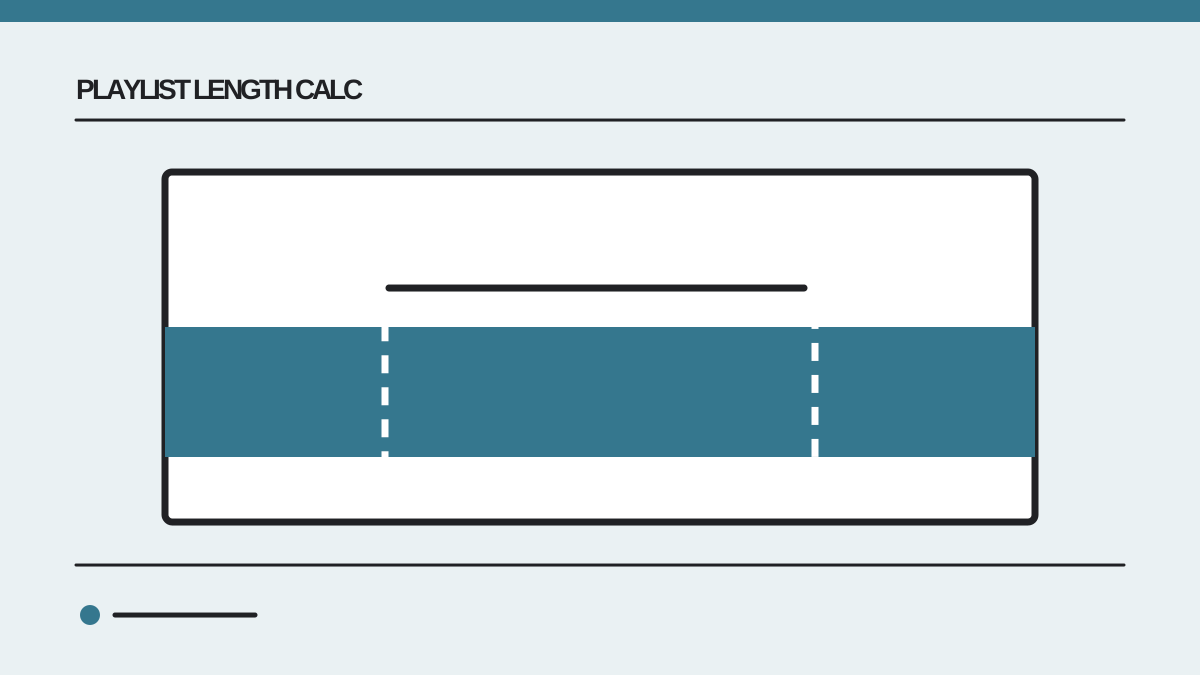
A YouTube channel banner is one wide image displayed differently on television, desktop, tablet and phone screens. That makes “the banner size” two related questions: what dimensions should a creator upload, and what part of the image will a viewer see on a particular device? If you need an existing channel's art for reference, a third question is which available public image size to download.
According to YouTube's channel branding help, the minimum upload is 2048 × 1152 pixels at a 16:9 ratio, the recommended size is 2560 × 1440 pixels, and the file should be 6 MB or smaller. At the minimum upload size, the safe area for text and logos is 1235 × 338 pixels. YouTube crops the wider image across devices, so a design that looks good on a TV can lose important text at the edges on a phone.
The upload canvas is the complete 16:9 image you prepare. The safe area is the central region where a title or logo has the best chance of remaining visible across devices. A device crop is the portion a viewer sees in a particular layout. Confusing those three can lead to tiny text, cut-off branding or a downloaded crop that appears much shorter than the original upload.
| Image concept | Size or rule | What it means |
|---|---|---|
| Minimum upload | 2048 × 1152 px | Smallest 16:9 canvas YouTube recommends accepting |
| Recommended upload | 2560 × 1440 px | Better source size for large screens |
| Safe area at minimum canvas | 1235 × 338 px | Central space for essential text and logos |
| Maximum file size | 6 MB | Keep the upload at or under the official limit |
| Desktop visible reference | About 2560 × 424 px | A wide, shallow view of the banner |
| Tablet visible reference | About 1707 × 282 px | A smaller wide crop |
| Mobile visible reference | Varies by layout | Check the channel on a real phone |
The first four rows are YouTube's upload guidance. The visible-crop figures are practical reference sizes exposed by this site's banner tool and may not describe every player layout or future YouTube interface. Always inspect the result on the devices your audience uses. A downloaded crop is not automatically a valid upload canvas.
Place essential elements near the center of the upload canvas. Use the safe area as your design boundary for text, dates, upload schedules and logos. Extend background colors, photography or patterns across the full canvas so the larger display still looks intentional. A background can be cropped without losing meaning; a sentence usually cannot.
Suppose you design at the recommended 2560 × 1440 size. The minimum-size safe area of 1235 × 338 scales by 1.25, giving a rough central region of about 1544 × 423 pixels. This proportional calculation is a planning guide, not a substitute for YouTube's upload preview. Center the important content, upload a test version, and inspect the preview for each device before publishing.
Keep the lettering large enough to read on a phone. A long slogan may fit across a desktop crop but become illegible in the narrower mobile view. Prefer a short channel name or phrase, with details in the channel description. If you must include an upload schedule, avoid placing it against a busy image where a cropped device view makes the text hard to distinguish.
Create a 2560 × 1440 pixel canvas if your editor supports it. Put guides at the center for the safe area, then keep logos and text inside that region. Fill the outer canvas with image or color that can be lost without changing the message. Export a common image format under 6 MB, and check the file dimensions before upload.
In YouTube Studio, open the channel customization or profile branding area, choose the banner image, inspect the displayed crops, and publish only after checking the result. The exact menu labels can change, so use YouTube's official instructions if the interface differs from what you remember. After publishing, open the channel in a browser and on a phone rather than relying only on the editing preview.
If your design looks blurry, check the source image before enlarging anything. Stretching a small image to 2560 pixels creates a large file but does not create detail. If the file exceeds 6 MB, compress the image or simplify it. For a photographic banner, a carefully exported JPEG can be smaller than a PNG. For flat graphics or text, compare exports at readable quality rather than assuming one format always wins.
To inspect a public banner, copy the channel URL or @handle and use the YouTube Banner Downloader. The tool accepts common channel link formats and looks up the public channel art. If a channel has not set a banner, there is no image to retrieve; that is a normal result. You do not need to sign in to view public channel art through the tool.
Choose the available device size that matches your purpose. The largest desktop or TV image is useful when examining composition or colors. A mobile crop is useful when checking whether a wordmark remains readable on small screens. Save a copy for reference with the channel name and date, because the owner can replace the banner later.
A downloaded image may be a served crop or resized copy rather than the original file the channel owner uploaded. Do not infer the owner's upload dimensions from the downloaded file alone. Also, access to an image does not transfer permission to reuse it. Get the owner's permission before using someone else's banner in your own channel, product or promotion.
Imagine a banner with a centered 600-pixel-wide logo and a subtitle that stretches 1,900 pixels across the canvas. The logo fits comfortably in the scaled central safe area of roughly 1,544 pixels, but the subtitle extends hundreds of pixels beyond it. On a wide desktop view the subtitle may look fine. On a phone it may be cut off or compressed into an unreadable fragment.
A better layout moves the subtitle below the logo, shortens it to a few words, and keeps both within the central region. The outer parts of the canvas can show a photo, texture or illustration. You can test this without guessing: upload a draft, inspect YouTube's device previews, then compare the live mobile channel after publishing. If a crop still cuts off an essential element, move the element inward rather than making the whole design smaller.
For an archived banner, compare its desktop and mobile versions similarly. The purpose is to understand how the original design responds to cropping, not to select the largest possible file for every use. A small mobile image might answer a layout question better than a high-resolution desktop crop.
If a banner is missing, make sure you pasted a channel link rather than a video link. An @handle, a /channel/ URL or a channel ID identifies the channel; a random video URL may not. If the tool reports no banner after finding the channel, the channel may simply have no public banner set.
If the downloaded image seems too short, you may be seeing a device crop. Compare it with the recommended 16:9 upload canvas, which has much more vertical space. Do not stretch a shallow crop back to 1440 pixels high and expect it to reproduce the missing top and bottom sections.
If text disappears on mobile, move it into the central safe area and test again. If the banner is sharp on desktop but soft on a television, check whether the original upload meets the recommended 2560 × 1440 size. If a proposed banner file is rejected, check both pixel dimensions and the 6 MB limit before changing the design.
YouTube recommends 2560 × 1440 pixels, with a minimum upload size of 2048 × 1152 pixels at 16:9. Keep the file at or under 6 MB.
At the minimum upload size, YouTube lists 1235 × 338 pixels for text and logos. Keep essential content centered and verify the crop in Studio.
A public lookup may return served sizes or crops, not the creator's original upload file. Use the available image for reference and do not assume its dimensions reveal the source file.
The same uploaded image is cropped for different display shapes. Background imagery can extend across the canvas, while important text should stay central.
Downloading a public image does not grant reuse rights. Ask the channel owner before republishing or adapting their art.
Preview public art with the YouTube Banner Downloader. For your own channel, use YouTube Studio's upload preview before publishing.
 Playlist Length Calc
Learn why YouTube playlist duration totals can look wrong because of private videos, deleted videos, unavailable items,
Turn a six-hour lecture into realistic study sessions using playback speed, topic boundaries, breaks, recall, and a work
Learn when a video's displayed runtime is enough, when to total a YouTube playlist, and how to plan remaining watch time